What it is
The List Panel is the working area where system objects are displayed: teams, tasks, members, and other entities.
Here you can:
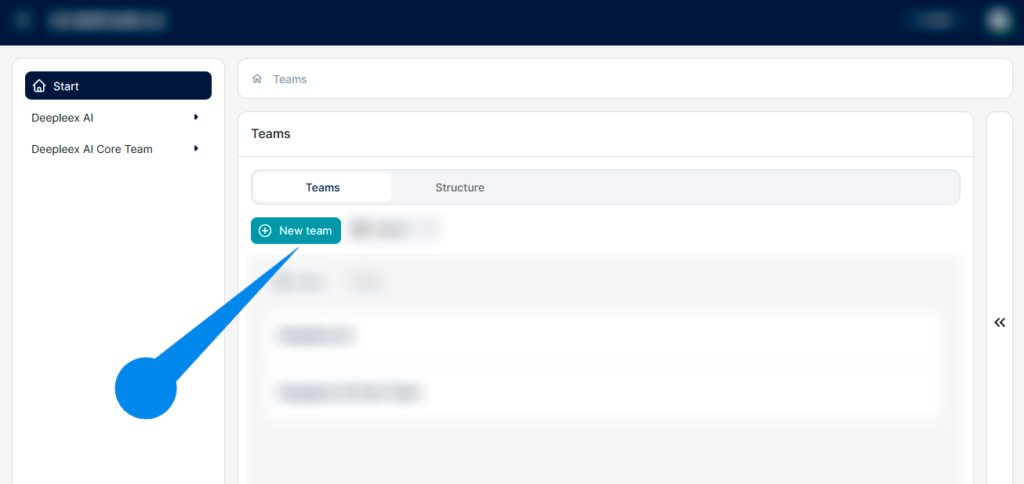
Main buttons
What are they for The main buttons allow you to quickly create new objects or import data from other systems.
New team The New team button lets you create a new team.
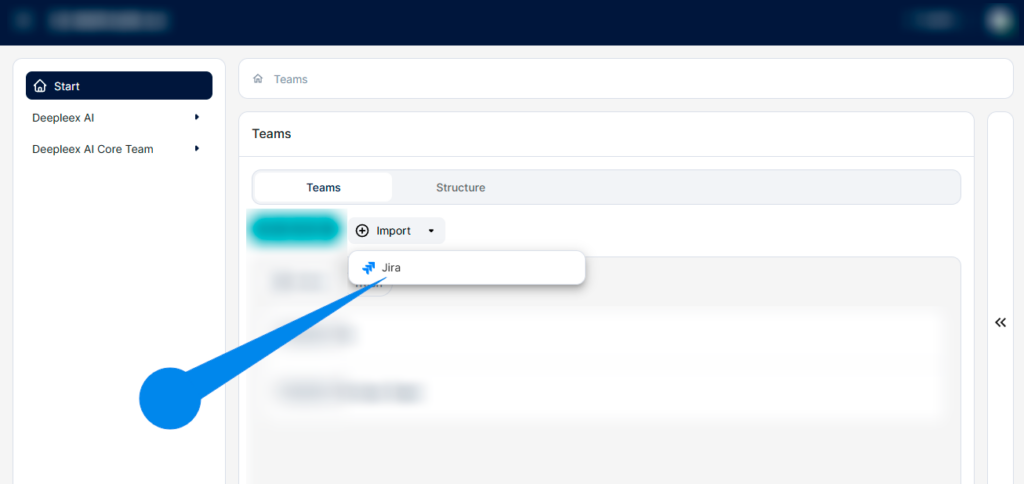
Import
The Import button allows you to upload data from external services.
For example:
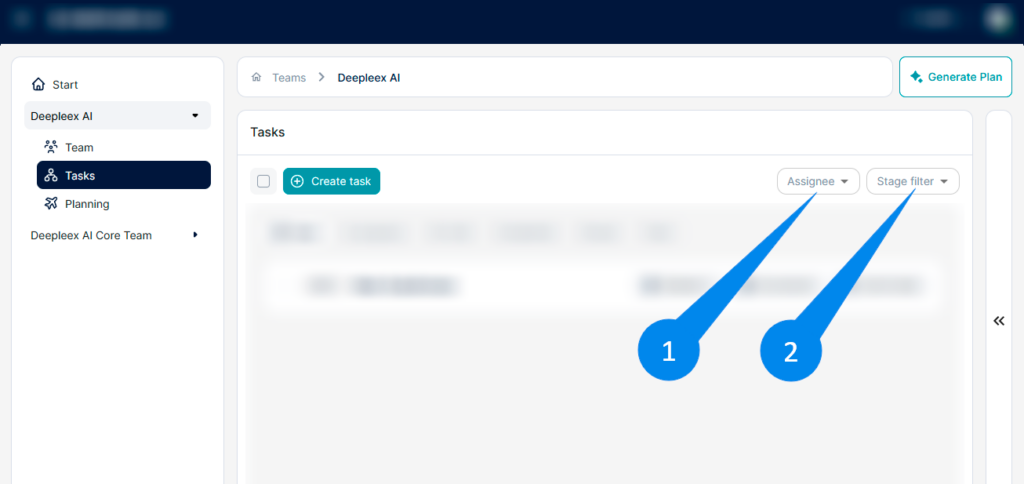
Filters
What is it
Filters let you display only the items you need in the list.
How it works
You select filter parameters — and the system shows only the objects that match them.
This helps you quickly find the information you need.
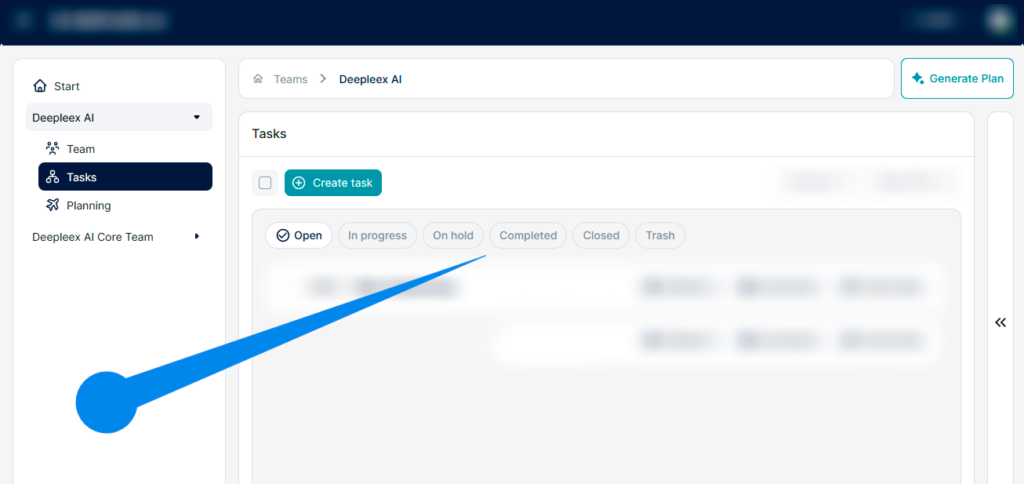
Quick filters
Quick filters are toggles inside the list that allow you to instantly change how objects are displayed.
Simply click the desired filter, and the list updates immediately.
Selecting and highlighting items
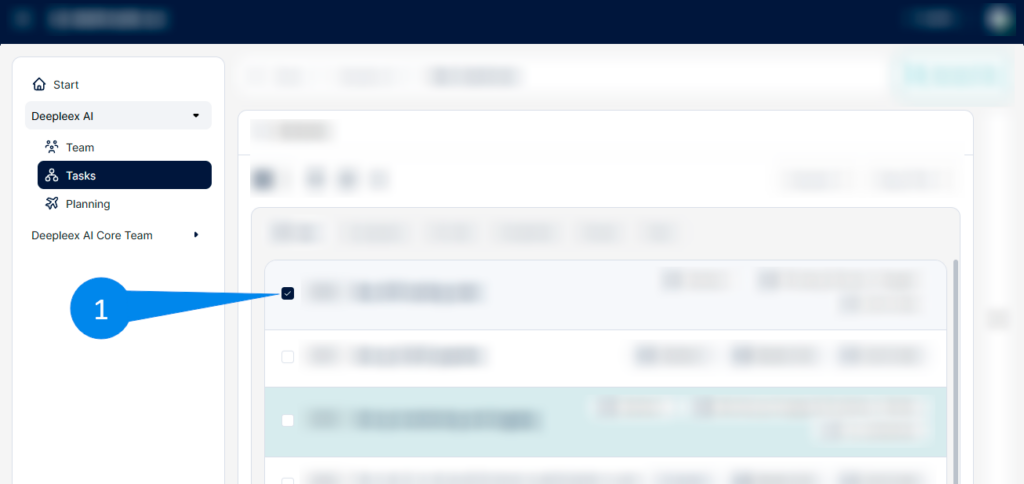
Selection is a mechanism for choosing one or multiple list items to perform actions on them.
To the left of each item there is a checkbox.
You can:
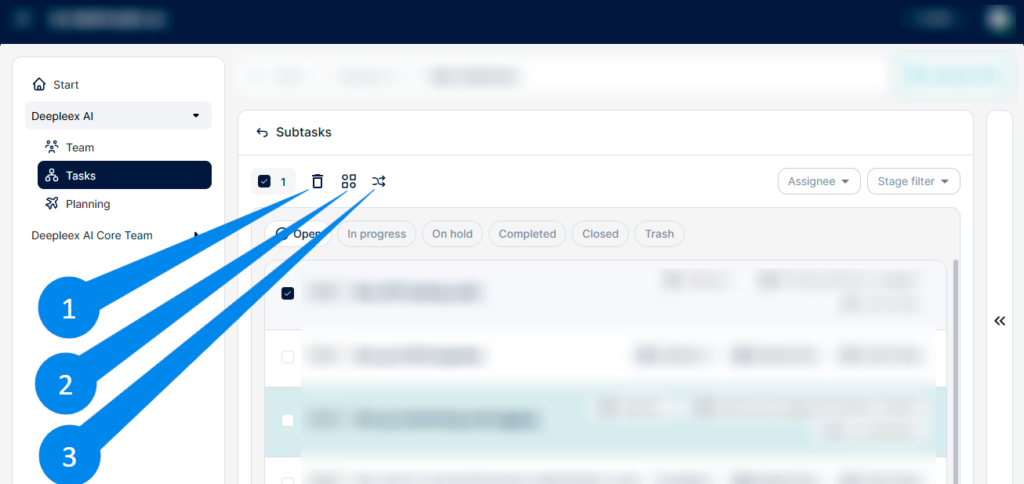
Once items are selected, the actions panel appears.
Bulk action buttons
When items are selected, actions become available for them.
This allows you to quickly manage several objects at the same time.
What we get as a result
The List Panel enables fast finding, creating, and managing of system objects, as well as performing bulk actions on multiple items simultaneously.
Next: Data Panel
I accept the Privacy Policy & Terms of Use
×
AI that plans projects, balances workloads, and predicts deadlines automatically.
Product news 24/7 support Useful resources
Be first to know about updates