What is it
Creating a team is the first step to start working in Deepleex.
A team is a workspace that brings together members, tasks, and the work plan.
What is it for
A team is used to organize work.
Inside a team you can:
How it works
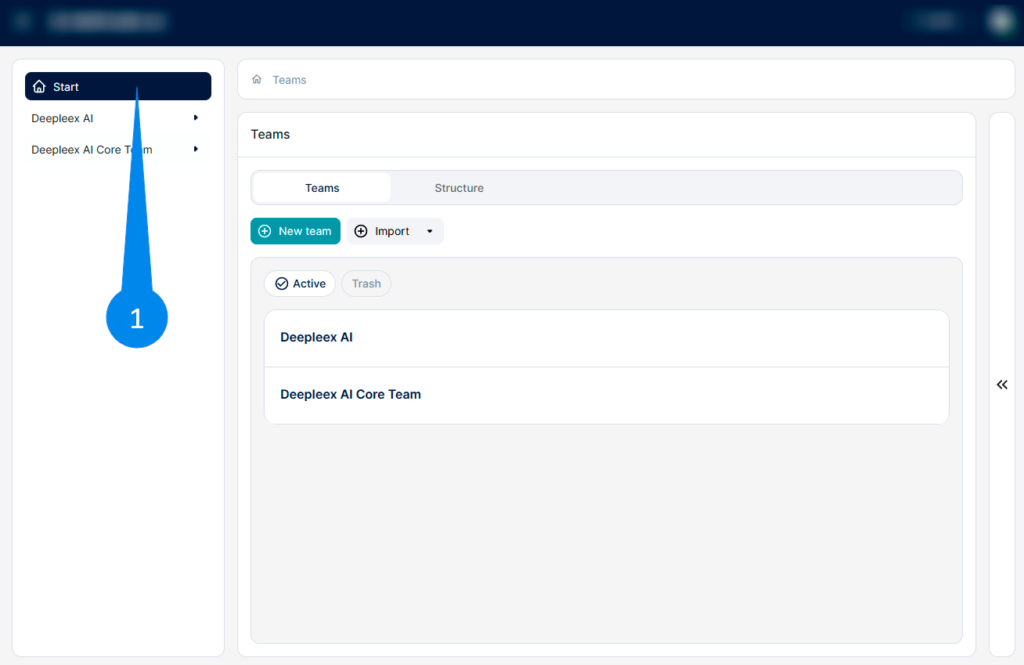
1. Go to the Start section In the left navigation panel
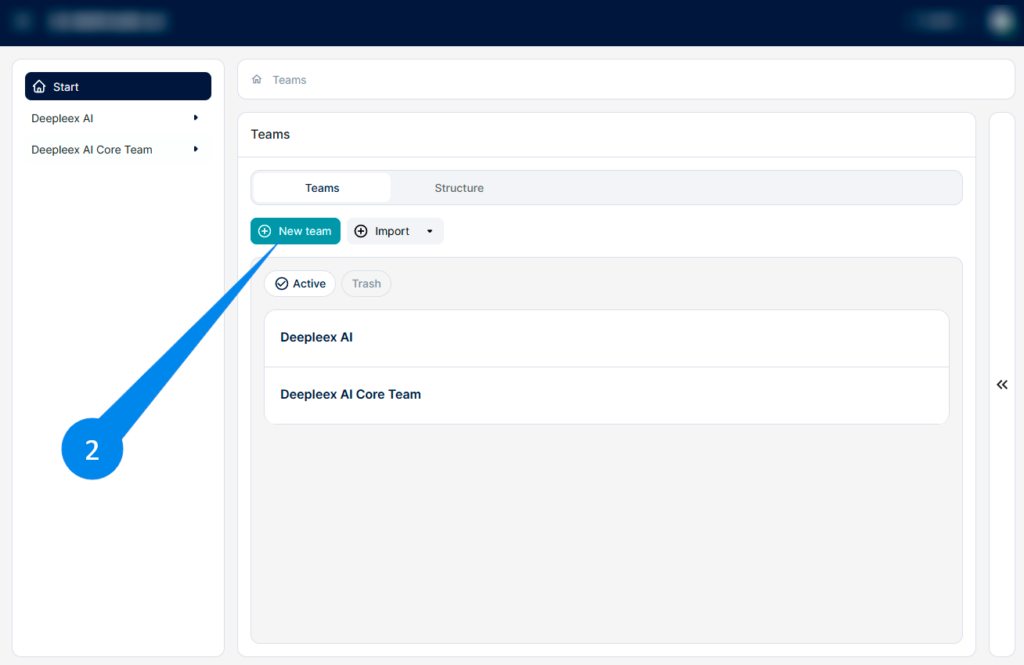
2. Click the New Team button, The team creation form will open.
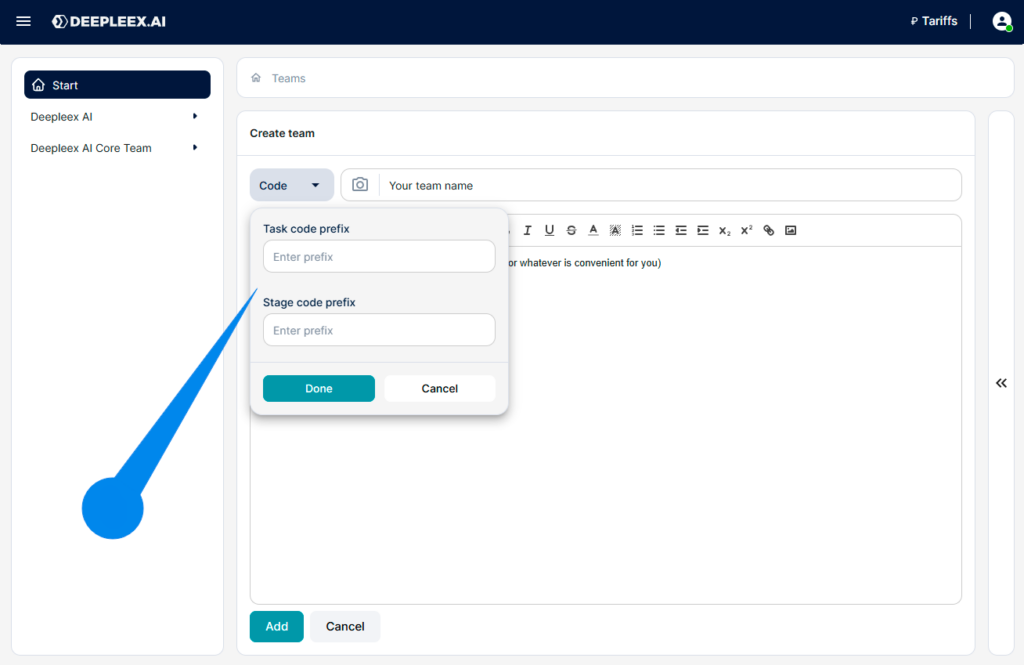
(Optional) Set the team code Click the Code button. Here you can specify:
These prefixes are used for automatic generation of task and stage codes.
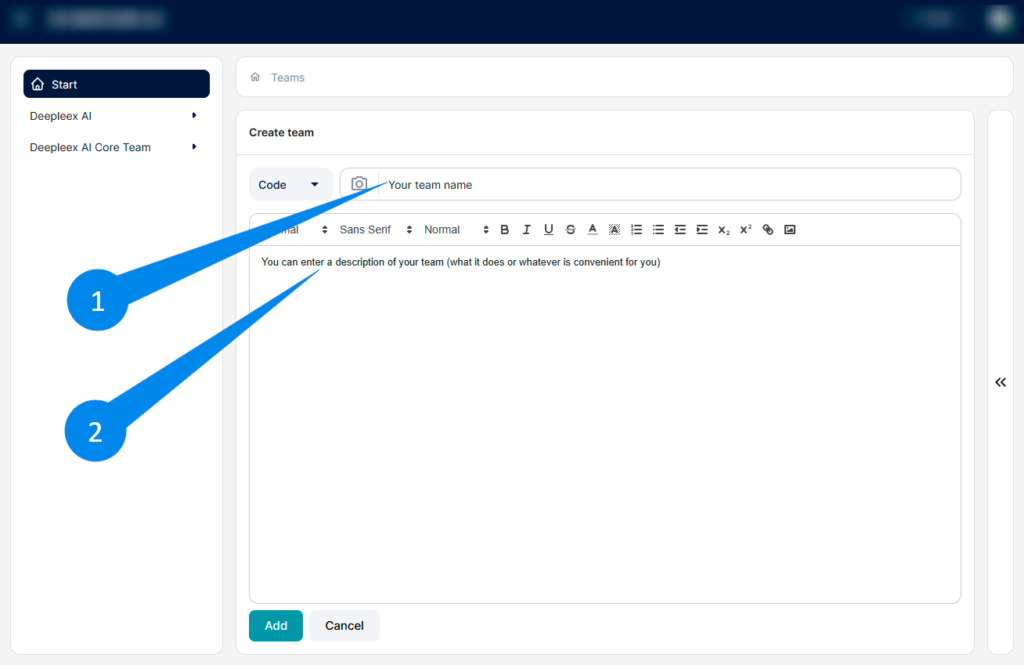
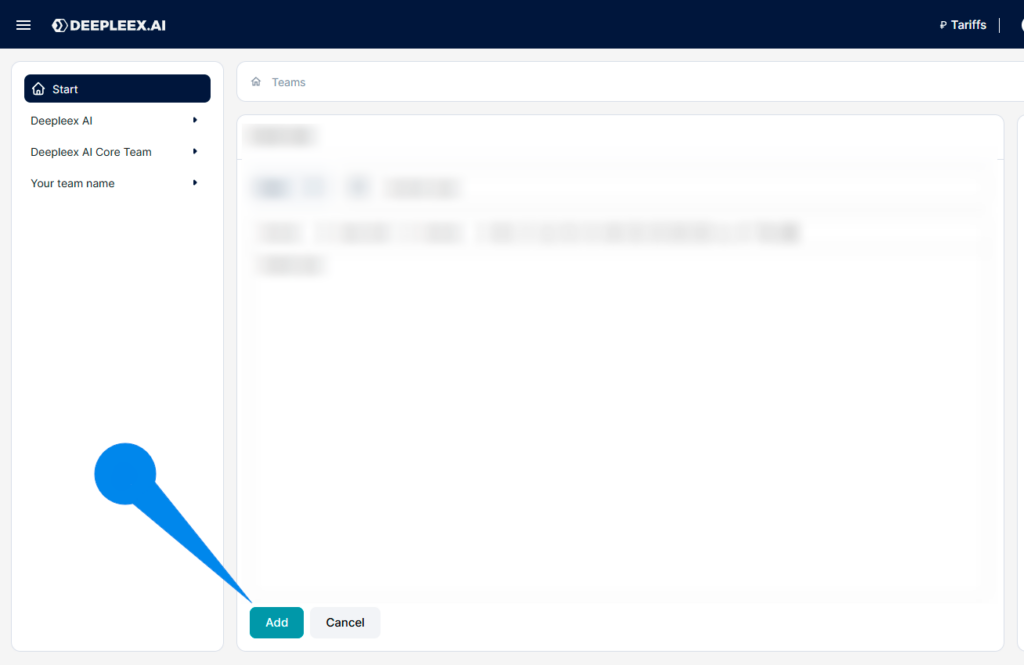
Click Add After filling in all the parameters, click the Add button.
What we get as a result
A newly created team — a workspace where you can add members, create tasks, and build a work plan.
Next: Adding Members
Tell us about your task — we’ll get back to you and show how Deepleex can help.
I accept the Privacy Policy & Terms of Use
Contact us on Telegram
×
AI that plans projects, balances workloads, and predicts deadlines automatically.
Product news 24/7 support Useful resources
Be first to know about updates