Member Profiles are roles within a team that describe the specialization of assignees. A profile defines which skills a member has and which types of tasks they can perform.
What is it for Profiles are used for:
Describing roles within the team
Grouping members’ skills
Correct task distribution
More accurate team work planning
Examples: Developer, Designer, Analyst, DevOps.
How it works
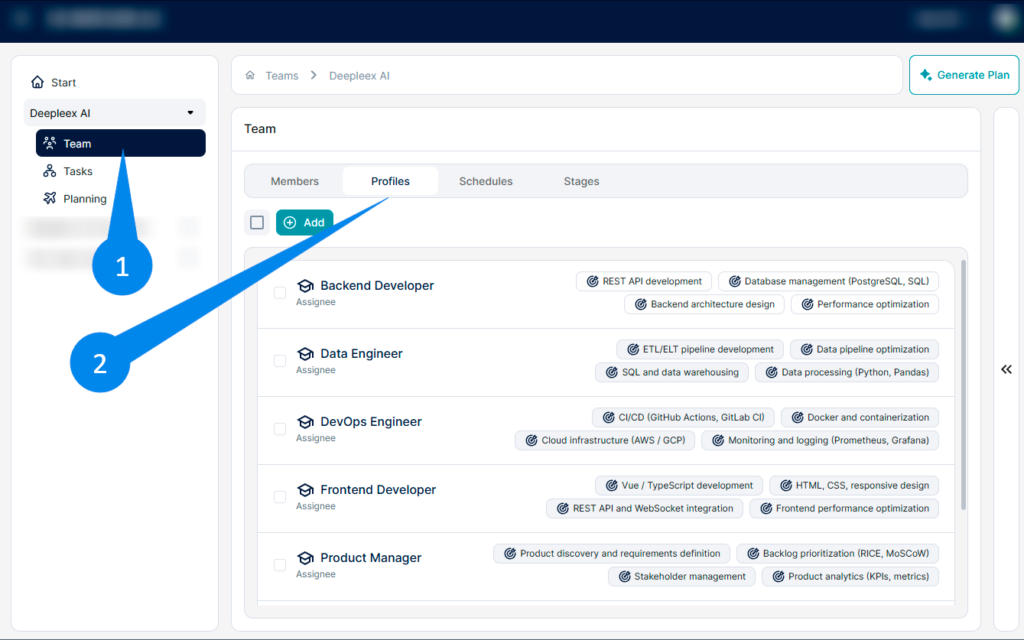
1. Open the Team section In the left navigation panel, select the team.
2. Go to the Profiles tab.
Enter the profile name Type the name of the role. Examples:
Frontend Developer
DevOps
Designer
Analyst
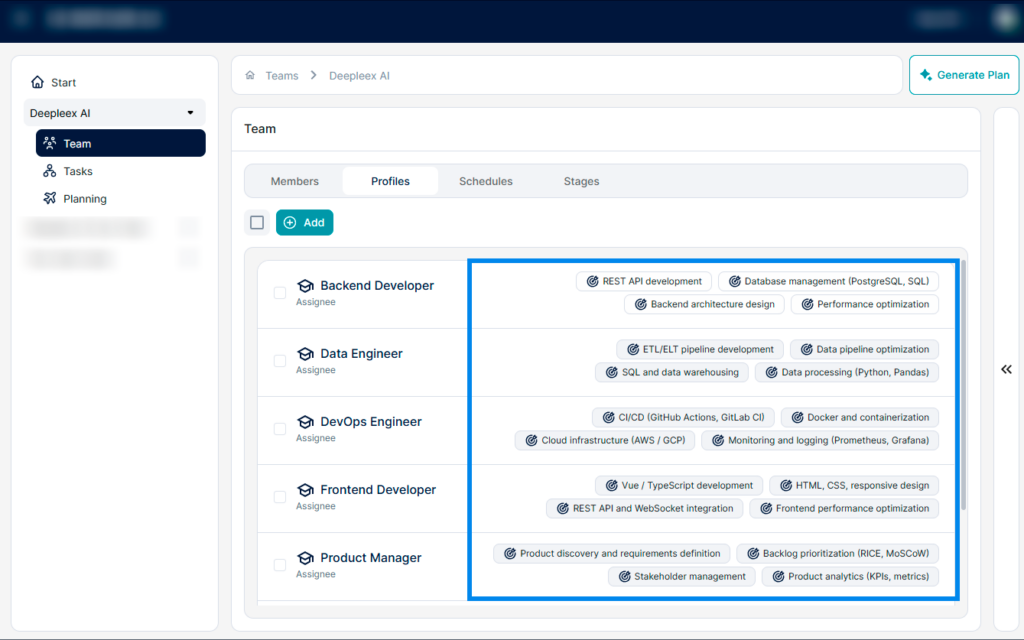
Add skills In the right panel, you can add skills that belong to this profile.
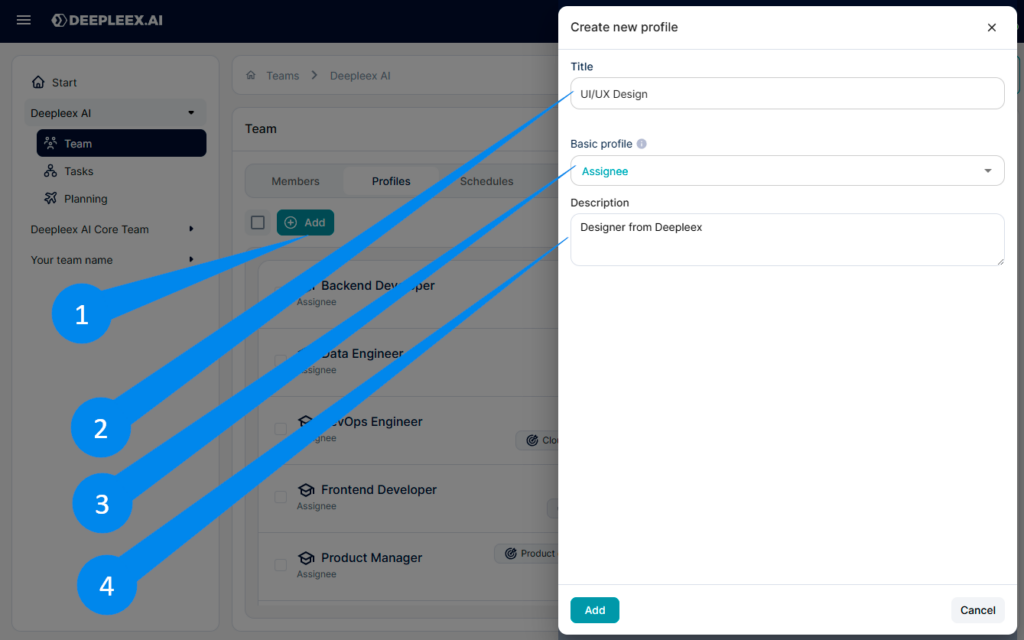
1. Click Add and select the ones you need.
You can:
2. Enter a name/title (e.g., “UI/UX Design”).
3. Set Basic profile to limit what team features users with this profile can access.
4. Add a description (a short note about the role/profile).
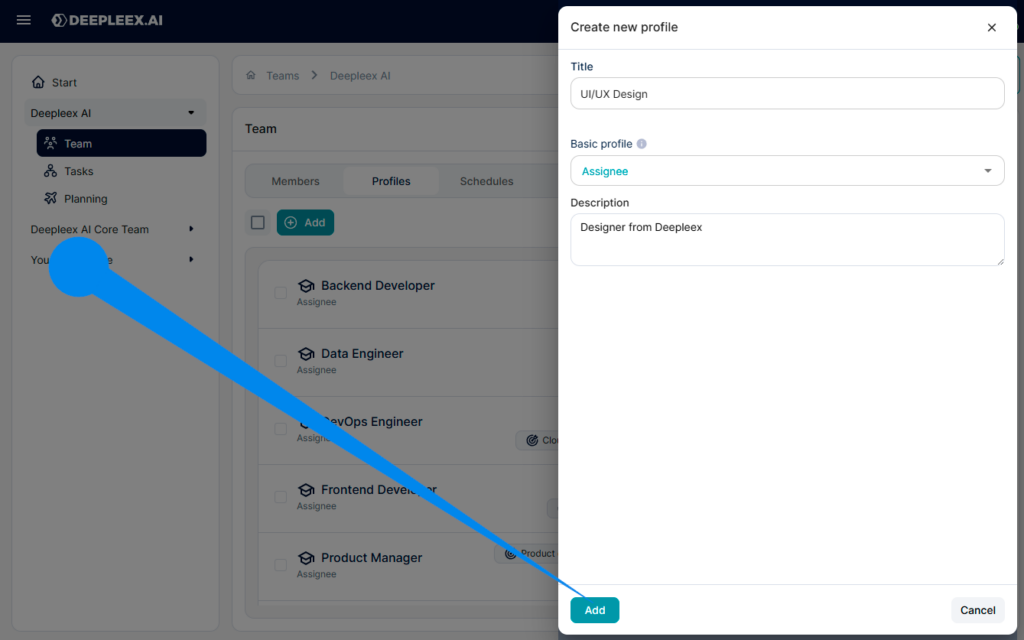
After click Add.
Profile successfully added.
What we get as a result
Member profiles that describe roles in the team and are used by the system for task assignment and work planning.