What is it
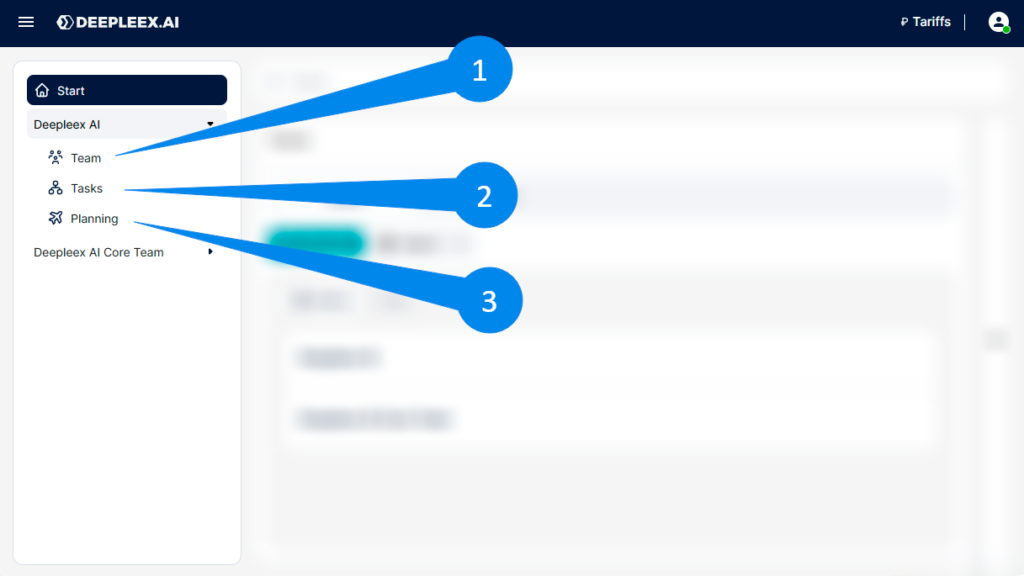
The Navigation Panel is the left part of the Deepleex interface that allows you to move between teams, and the main sections of the system.
It displays the structure of your workspace.
What is it for
The Navigation Panel is designed for quick access to the main work objects in the system:
It helps you quickly switch between workspaces and find the necessary sections.
How it works
Start
The Start button opens the main screen of the system.
Team selection
At the top of the panel, the current team is displayed.
Click on it to select a different team.
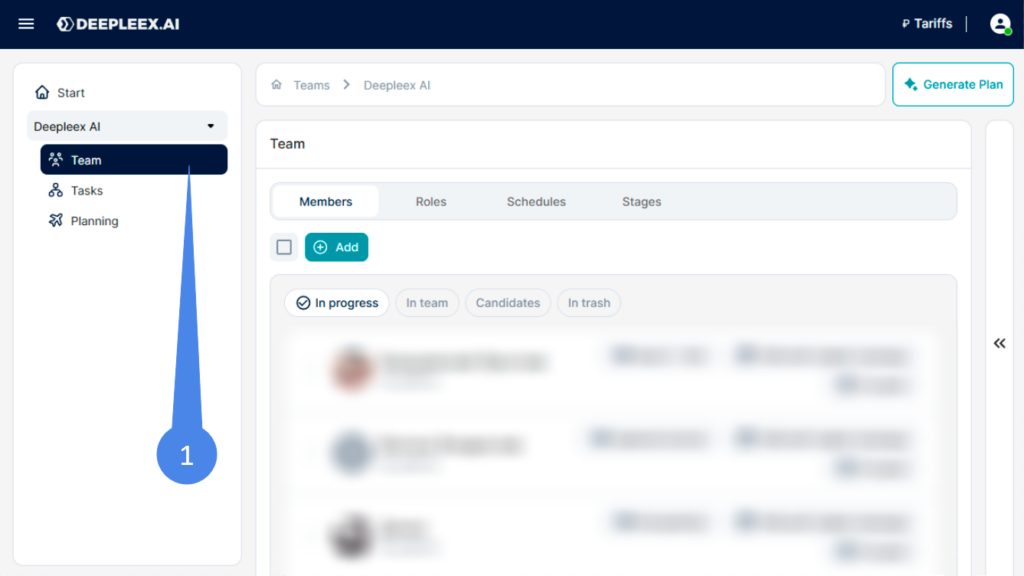
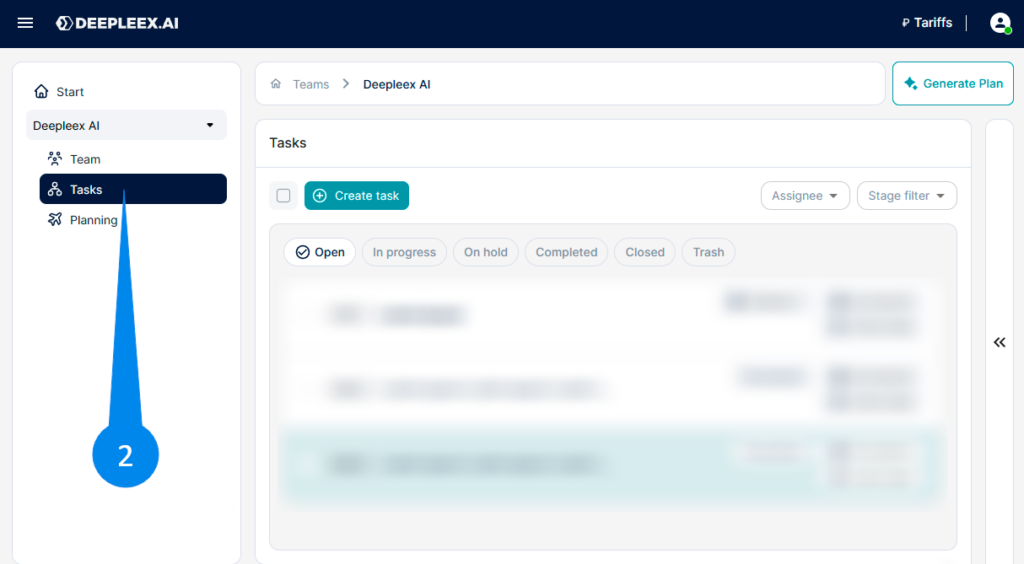
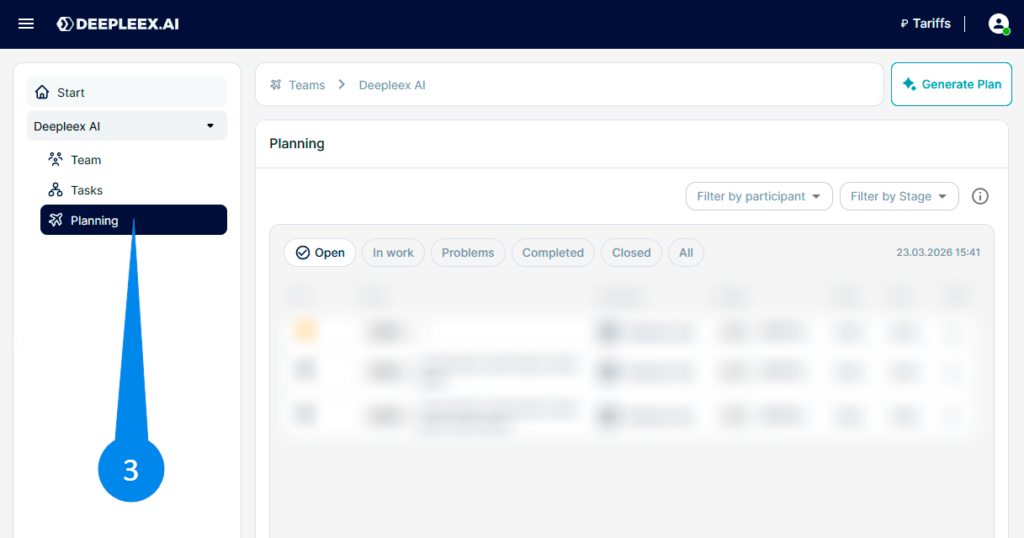
After selecting a team, its main sections become available:
What we get as a result
The Navigation Panel allows you to quickly navigate between teams, projects, and tasks while always keeping the structure of your work visible.
Next:Breadcrumbs (Path)
I accept the Privacy Policy & Terms of Use
×
AI that plans projects, balances workloads, and predicts deadlines automatically.
Product news 24/7 support Useful resources
Be first to know about updates